Laptop repair and power adapter specialist at Sim Lim Tower with same-day services.
G Hub Plus is a computer repair and accessories shop at Sim Lim Tower, specialising in laptop servicing, power adapter sales and hardware solutions. The shop handles screen replacements, battery changes, keyboard repairs and software troubleshooting for various laptop brands, alongside stocking replacement power adapters for Dell, Acer, Lenovo and others. Established in 2020, G Hub Plus offers both retail sales and repair services with a focus on practical, same-day solutions. The store operates Monday to Friday with shorter Saturday hours and is conveniently located near Rochor MRT. Whether your laptop needs a quick fix or you simply need a replacement charger, G Hub Plus at Sim Lim Tower provides efficient service at competitive prices.
6902 7524
10 Jln Besar, B1-16 Sim Lim Tower, Singapore 208787
Sim Lim Tower
Operating Hours
Closed - Opens Tomorrow
Opens tomorrow at 10 am
Monday
10 am–7 pm
Tuesday (Today)
10 am–7 pm
Wednesday
10 am–7 pm
Thursday
10 am–7 pm
Friday
10 am–7 pm
Saturday
10 am–2 pm
Sunday
Closed
Menu information is not available at this time.
Overall Rating
5.0/5
Based on 60 Google reviews
Negative Reviews
No negative reviews yet.
Positive Reviews
Cally Khaw
I was so lucky to walk in to G Hub Plus without doing any research on reviews or recommendations. They were so polite, friendly and honest. I was quite satisfied with their repair charges too. It is very reasonable. I would highly recommend their services to anyone who needs it. Thank you very much to G Hub Plus!
Sam Fredrick
The staff at G Hub Plus were incredibly friendly and helpful—they even answered questions I hadn’t thought to ask! The service was top-notch, and the whole experience made shopping for electronics easy and enjoyable. I’d definitely recommend this store to anyone looking for quality products and excellent customer care.
Syahfi Lol
Bought the NITRO XZ2 (XZ272 PBMIIPHX) At a low price of $199, after some rectification of terms of quality, with several tests. Have been using it and it has really improved the quality of the experience especially while gaming. …
Kamal Kannan
Extremely honest and diligent people. Highly recommend for data recovery support.
Phua Yi Xuan
Bought a monitor that ended up having a defect, they rectified and I ended up with a better one with a bit of top up. …
Write a Review
Photo Gallery
G Hub Plus Pte. Ltd.
G Hub Plus
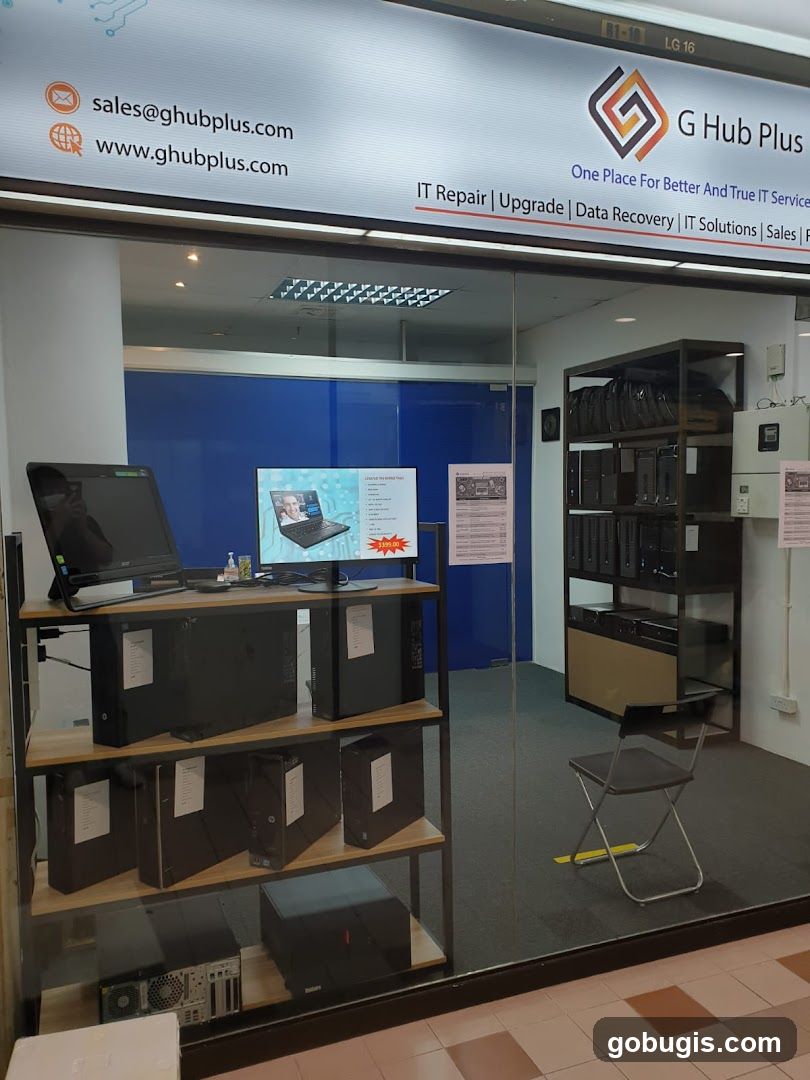
The storefront of G Hub Plus, an IT service company. The shop front displays a sign with the company name, contact information, and services offered, including IT repair, upgrade, data recovery, IT solutions, and sales. Inside, shelves are stocked with computer towers and monitors.
G Hub Plus
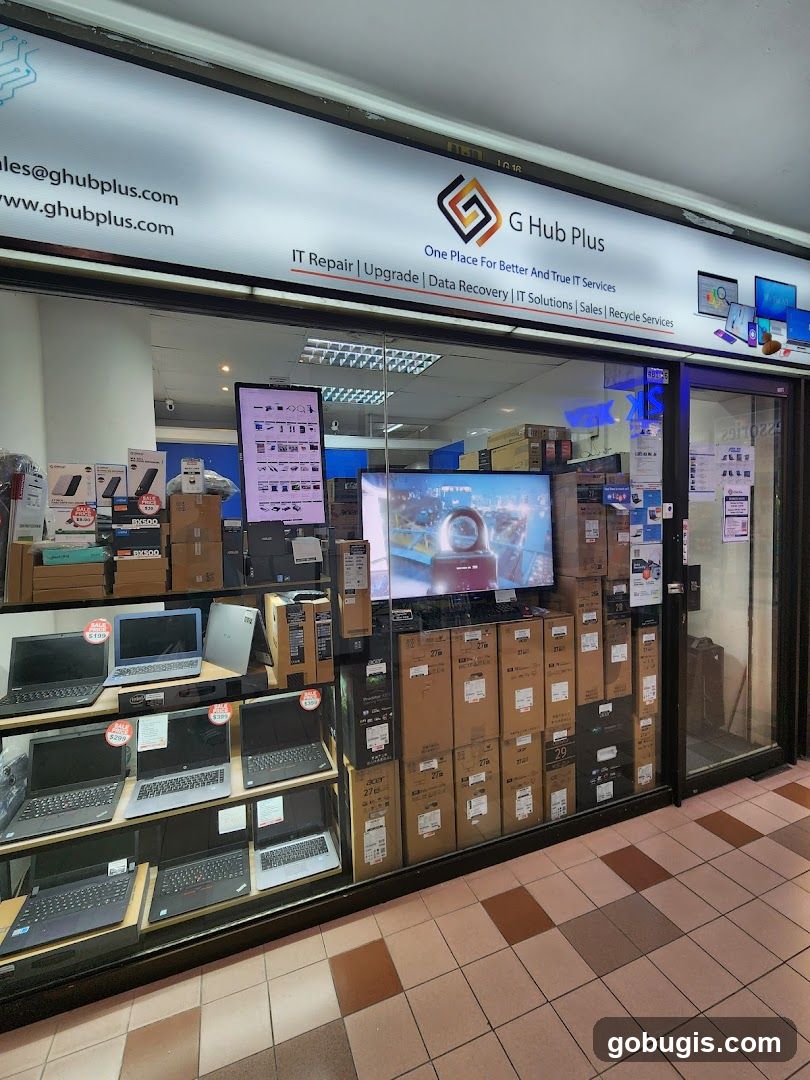
The storefront of G Hub Plus, an IT service provider. The shop displays laptops for sale on shelves and boxes of computer equipment. The signage above the shop reads "G Hub Plus" with the tagline "One Place For Better And True IT Services" and lists services such as "IT Repair, Upgrade, Data Recovery, IT Solutions, Sales, Recycle Services".
Ghubplus IT Services
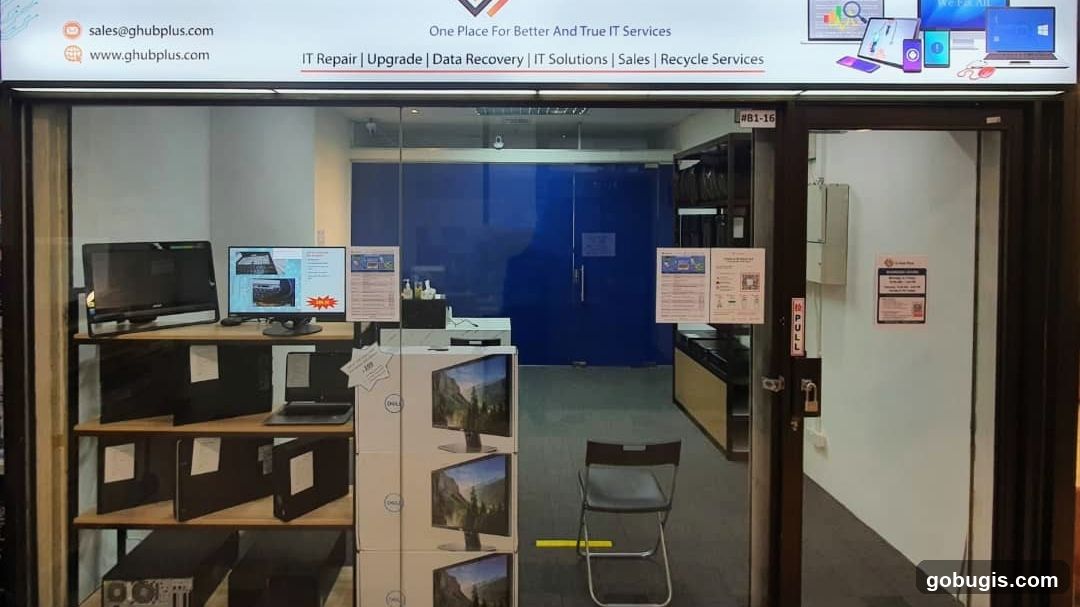
The exterior of an IT service shop with a glass door and windows. Inside, shelves display computer monitors, laptops, and computer towers. A blue door is visible in the background. Signage above the entrance advertises IT repair, upgrade, data recovery, IT solutions, sales, and recycling services, along with contact information.
Computer Case
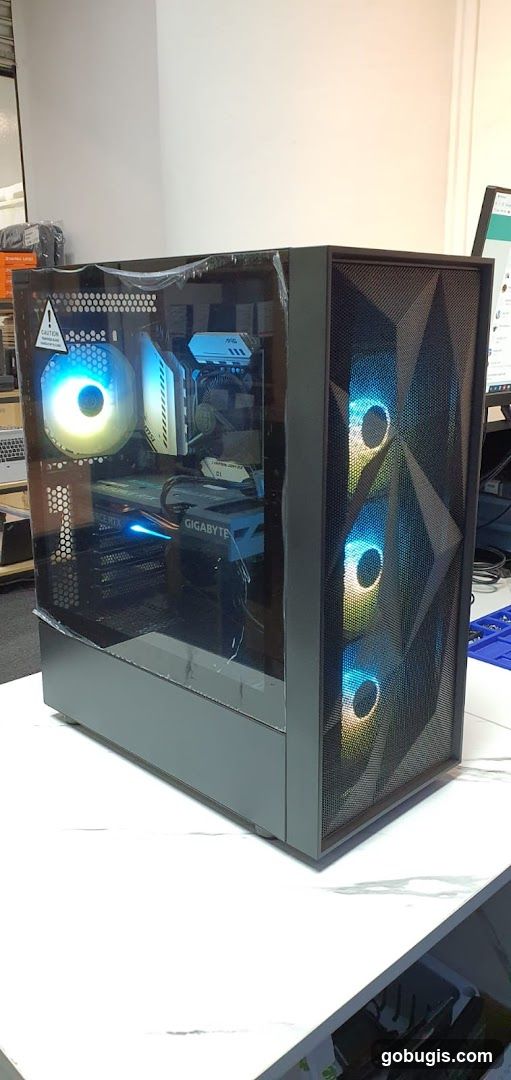
A computer case with a clear side panel, showing internal components and RGB lighting. The front of the case has a textured design with three illuminated fans.
Internal Components of Electronic Device
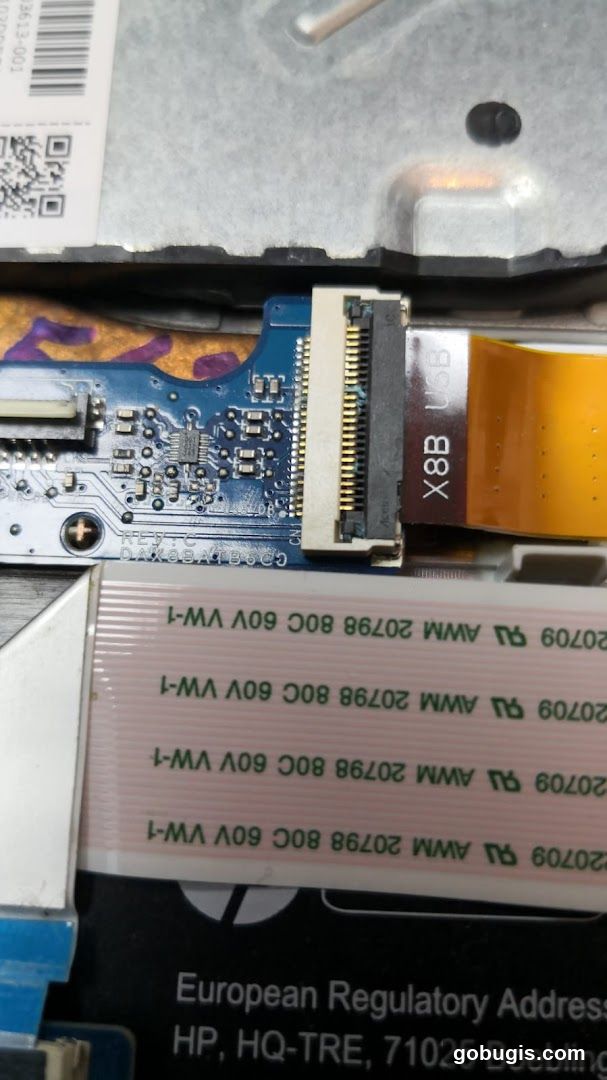
Close-up view of internal electronic components, including a circuit board with various chips and connectors. A ribbon cable labeled 'X8B USB' is visible, along with other ribbon cables marked with regulatory information and specifications like '20709 AWM 20798 80C 60V VW-1'. Text indicating 'European Regulatory Address HP, HQ-TRE, 71025 Boebling' is also present.
Damaged Laptop
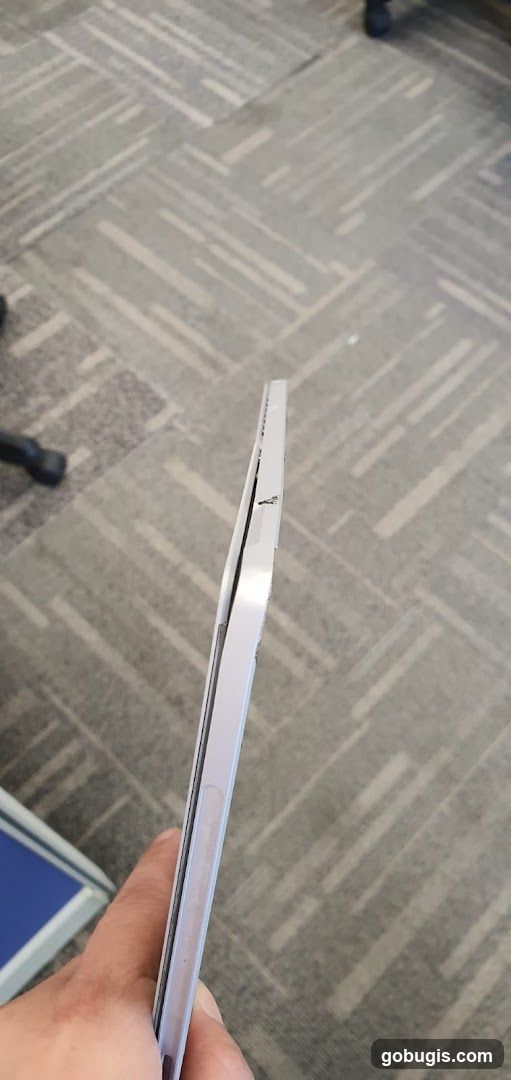
A person is holding a light purple laptop that appears to be damaged. The screen is bent outwards from the base, with a visible gap and some damage to the casing. The laptop is resting on a carpeted floor with a geometric pattern.
G HUB PLUS Business Card
A business card with the logo and name G HUB PLUS, along with the tagline "One Place For Better And True IT Services". The logo is a stylized square with a swirling pattern in black, orange, and yellow.
Custom PC Build
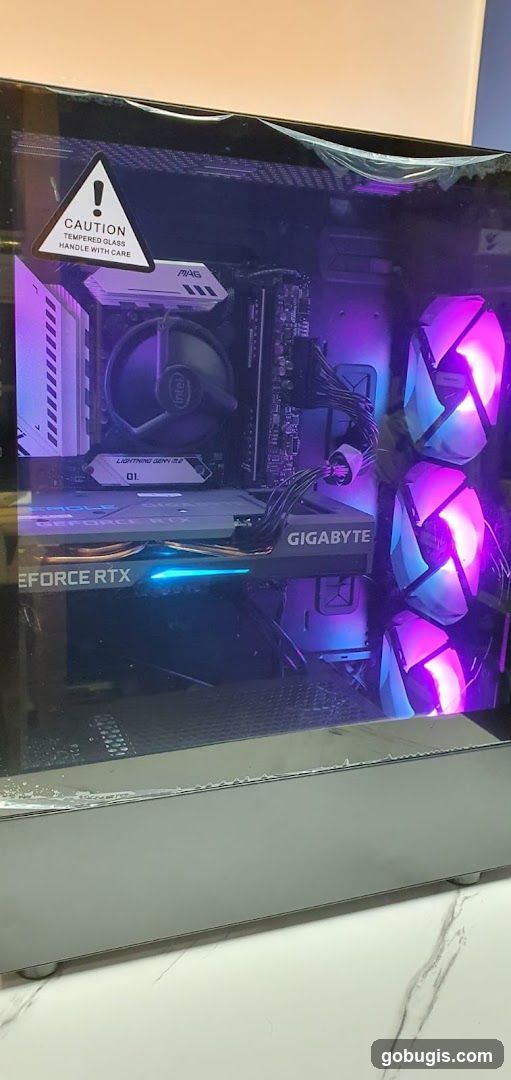
A custom-built computer tower with a clear side panel, showcasing internal components. The PC features RGB lighting in purple and pink hues, illuminating the graphics card (GIGABYTE GeForce RTX), CPU cooler (Intel), and case fans. A caution sticker for tempered glass is visible on the top left of the side panel.
Computer Setup
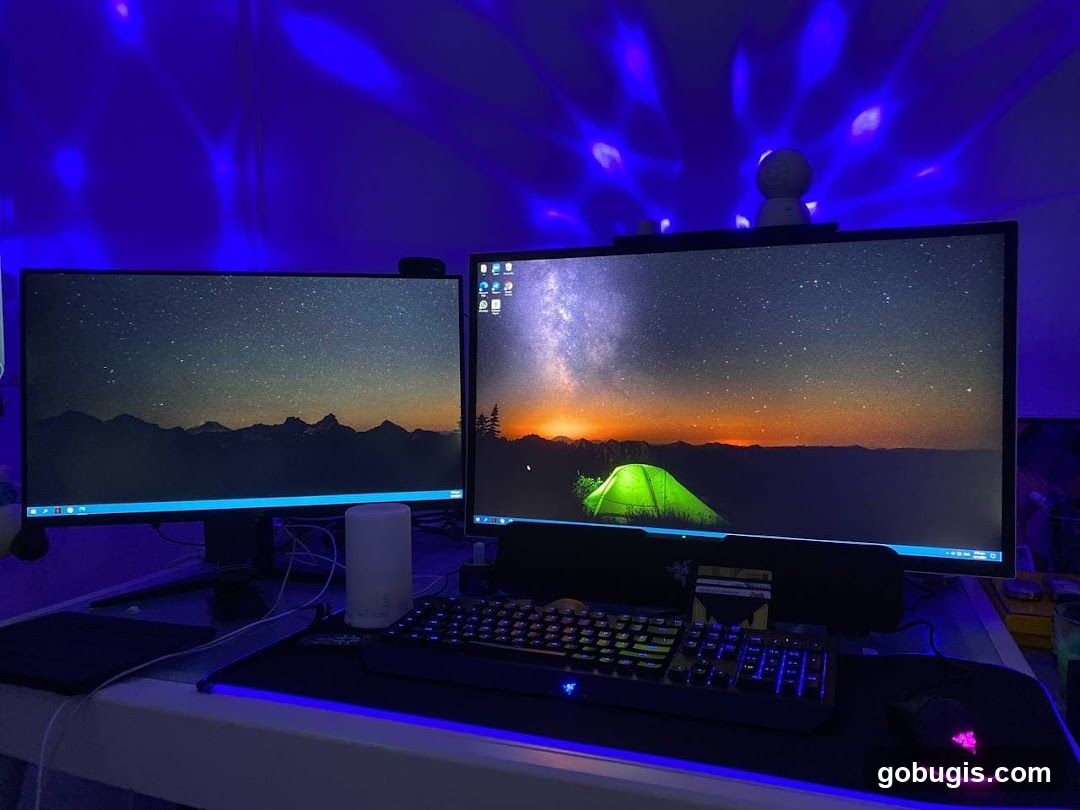
A gaming computer setup with two monitors displaying a starry night sky wallpaper. A mechanical keyboard with RGB lighting and a gaming mouse are on a mousepad. Blue LED strip lights illuminate the desk and wall. A small white diffuser is placed between the monitors. A small spherical device is mounted on top of the right monitor.
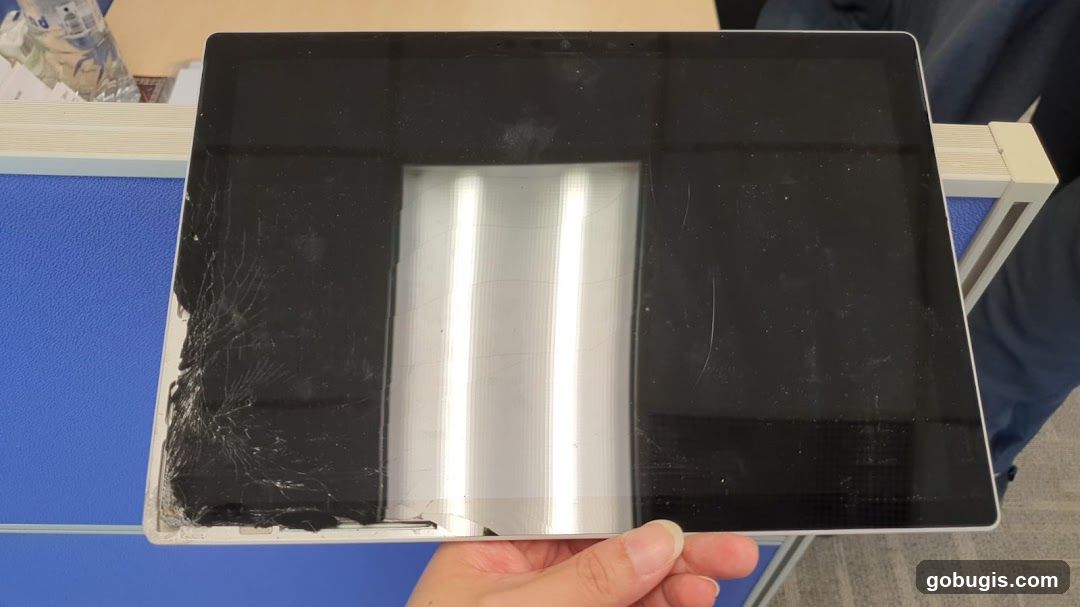
Damaged Tablet
A tablet with a severely cracked screen is held by a hand. The screen is black with visible cracks radiating from the bottom left corner. The tablet is resting on a blue surface next to a white and beige partition.
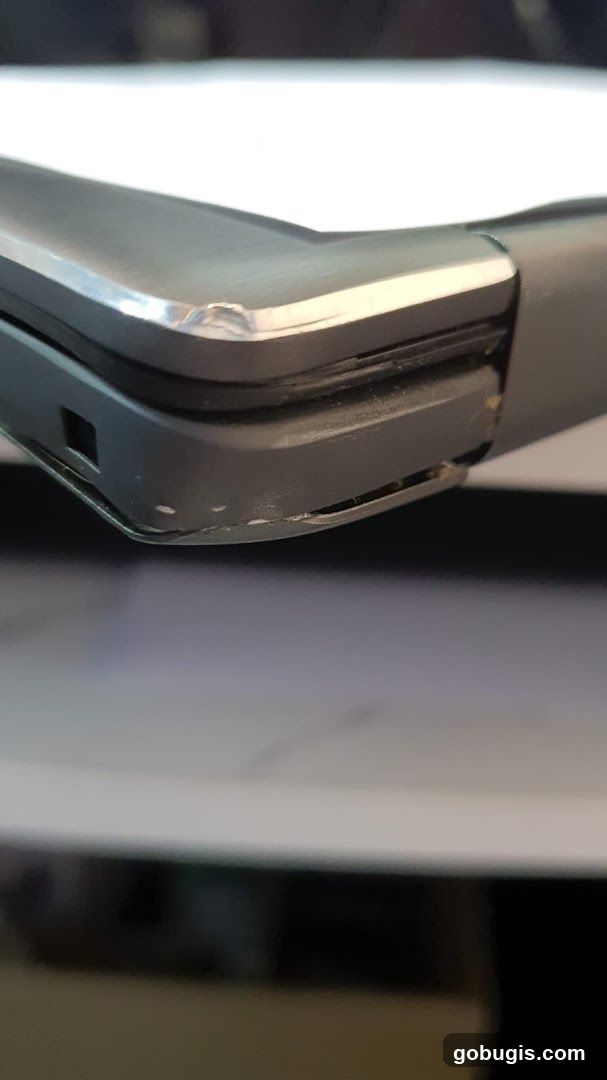
Damaged Laptop Corner
A close-up, angled view of the corner of a dark-colored laptop. The metal casing shows signs of damage, with dents and scuffs visible along the edge. The plastic casing beneath also appears chipped and slightly separated from the metal. The background is blurred, with a white surface above and a darker surface below.
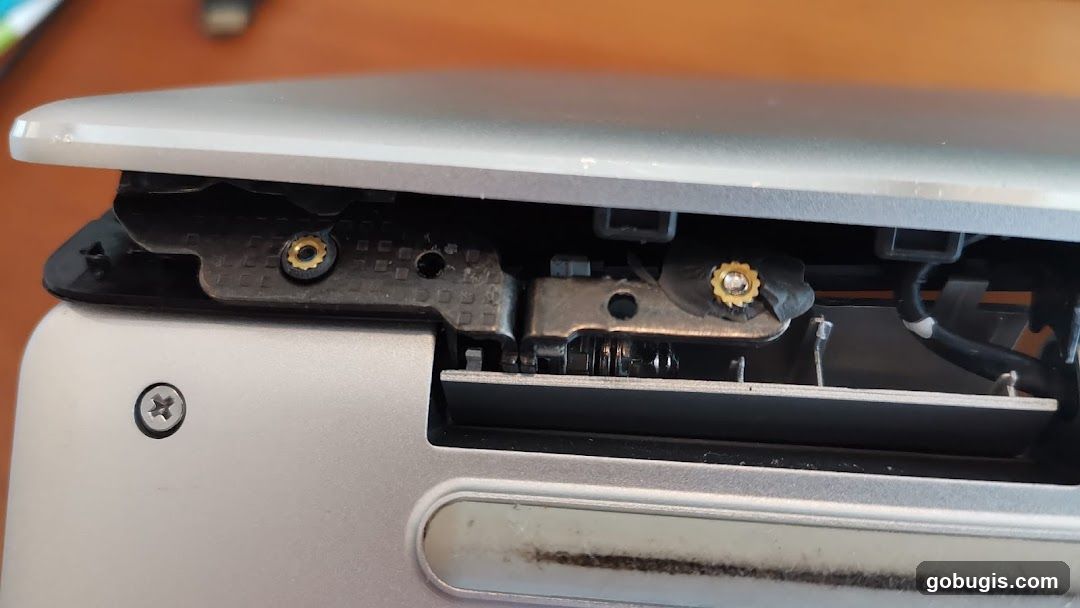
Laptop Hinge Detail
A close-up view of the internal hinge mechanism of a silver laptop. The image shows metal brackets, screws, and wiring, indicating a disassembled or damaged state. The focus is on the mechanical components that allow the screen to open and close.
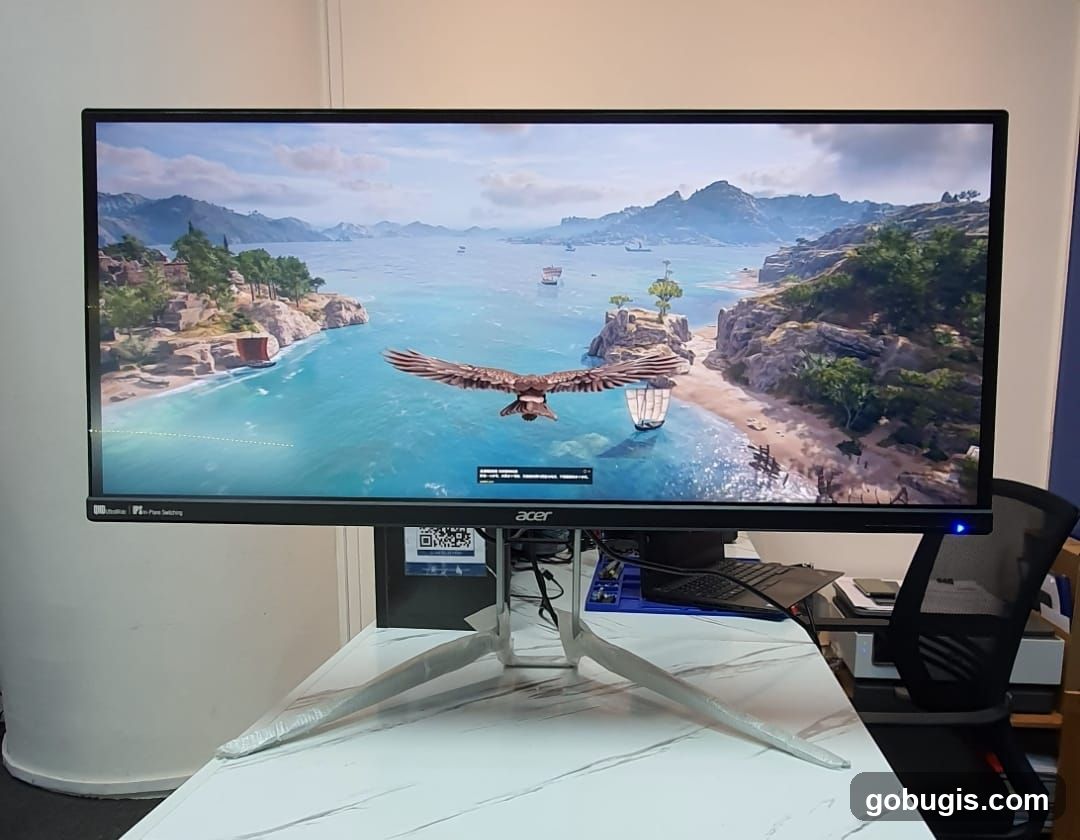
Computer Monitor Displaying a Video Game
A computer monitor is displayed on a desk, showing a vibrant scene from a video game. The game depicts a coastal landscape with a body of water, islands, trees, and boats. An eagle is shown flying across the screen. The monitor has the Acer logo visible on its bezel. The desk surface has a marble-like pattern. In the background, a chair and some office equipment are visible.
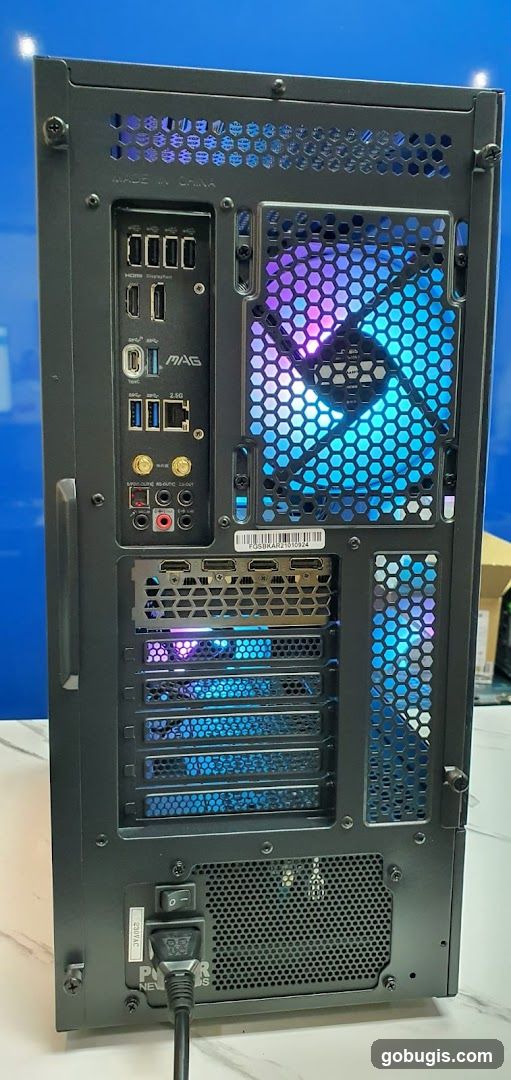
Computer Case Rear Panel
The rear panel of a black computer case is shown, featuring various ports and ventilation. Visible ports include USB-A, USB-C, HDMI, DisplayPort, Ethernet, and audio jacks. The panel also displays a 'MAG' logo, indicating a motherboard brand. Two large hexagonal grilles with RGB lighting, cycling through purple and blue hues, are present for fan ventilation. Below these, several expansion slots are visible, also illuminated with blue light. At the bottom, a power switch and a power cord connector are present, with a label indicating '230VAC'. A serial number sticker is also visible.
Reflection in a Dusty Screen
A reflection of a person holding a phone is visible in a dusty screen. The person is wearing a pink shirt and a watch. The phone screen shows a blurred image. The screen itself appears to be part of a laptop or monitor, with a dark bezel at the bottom.
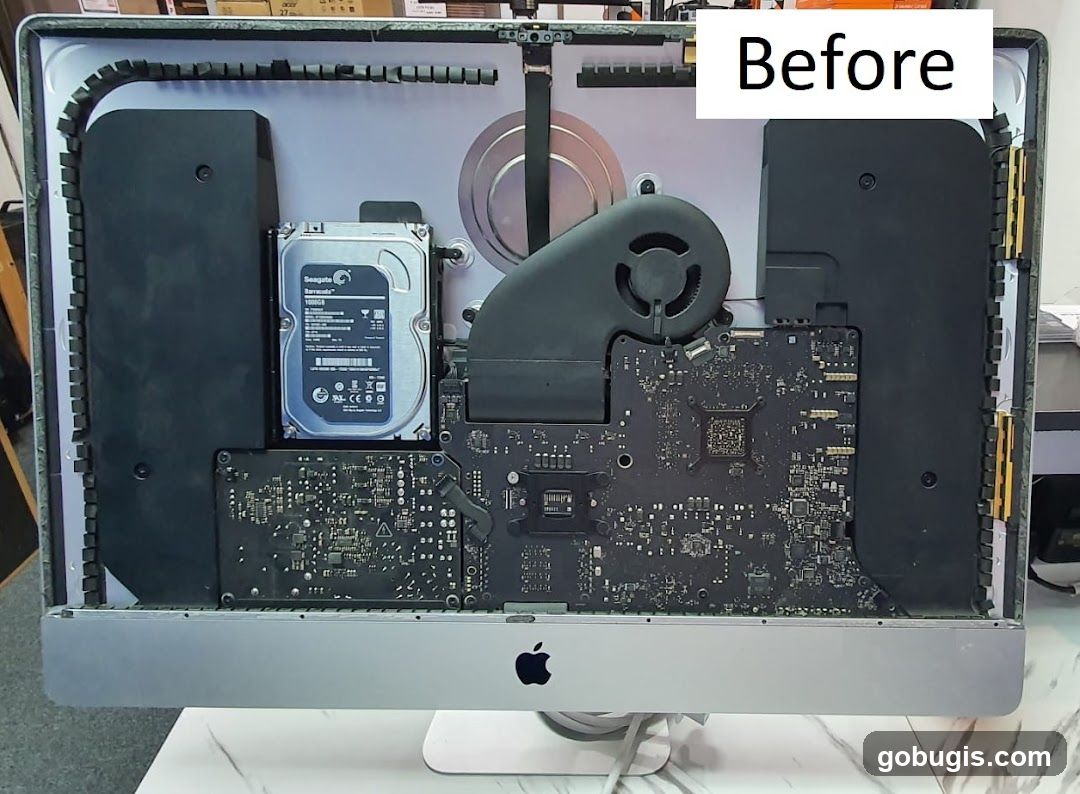
Imac Internal Components
The interior of an Apple iMac computer is shown, with its internal components exposed. A Seagate Barracuda 1TB hard drive is visible, along with a fan and various circuit boards. The Apple logo is present on the front bottom bezel. A white text overlay reads "Before" in the top right corner.
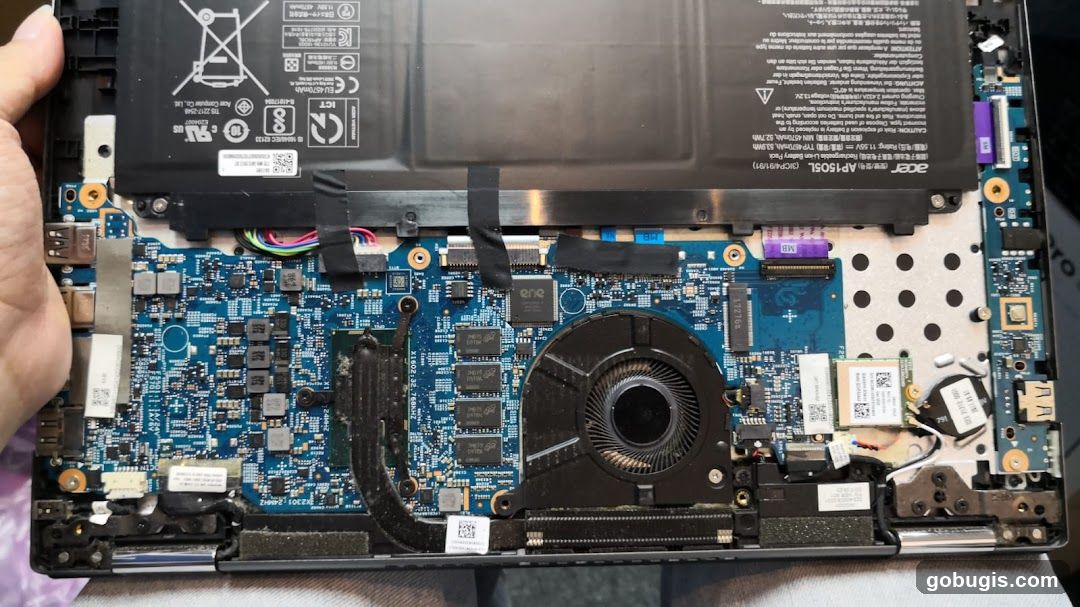
Laptop Internals
A close-up view of the internal components of an open laptop, including the battery, motherboard, fan, and various chips. The Acer brand is visible on the battery.
Laptop Ribbon Cable
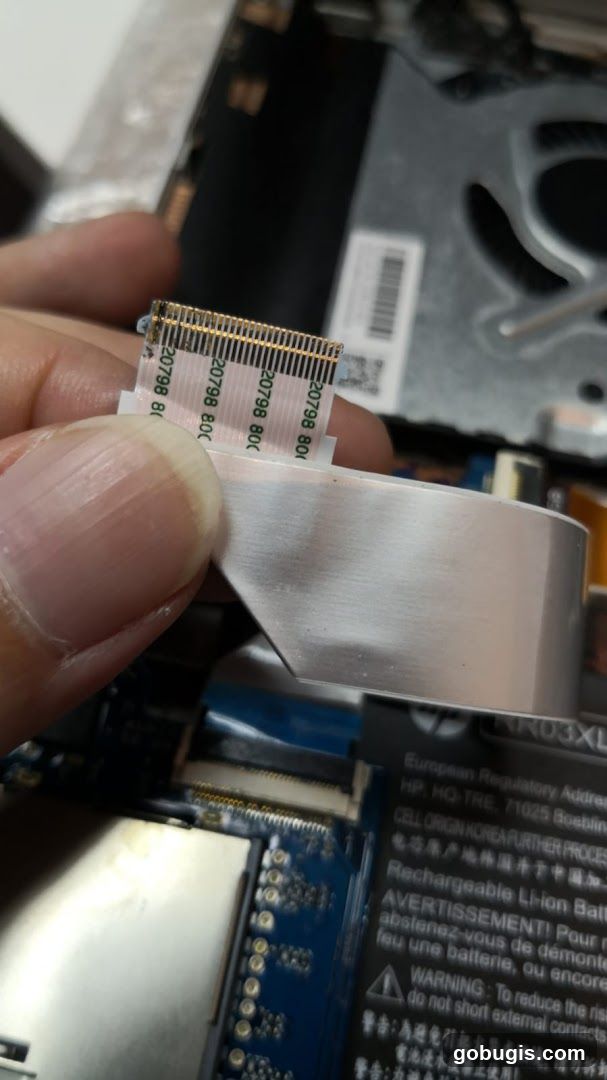
A close-up shot of a hand holding a flat ribbon cable with gold connectors, likely from a laptop. The cable has text printed on it, including '20798 800'. In the background, parts of a laptop's internal components are visible, including a circuit board and a fan. A label with regulatory information for a rechargeable Li-ion battery is also partially visible.
Dual Monitor Setup with Discord and Spotify
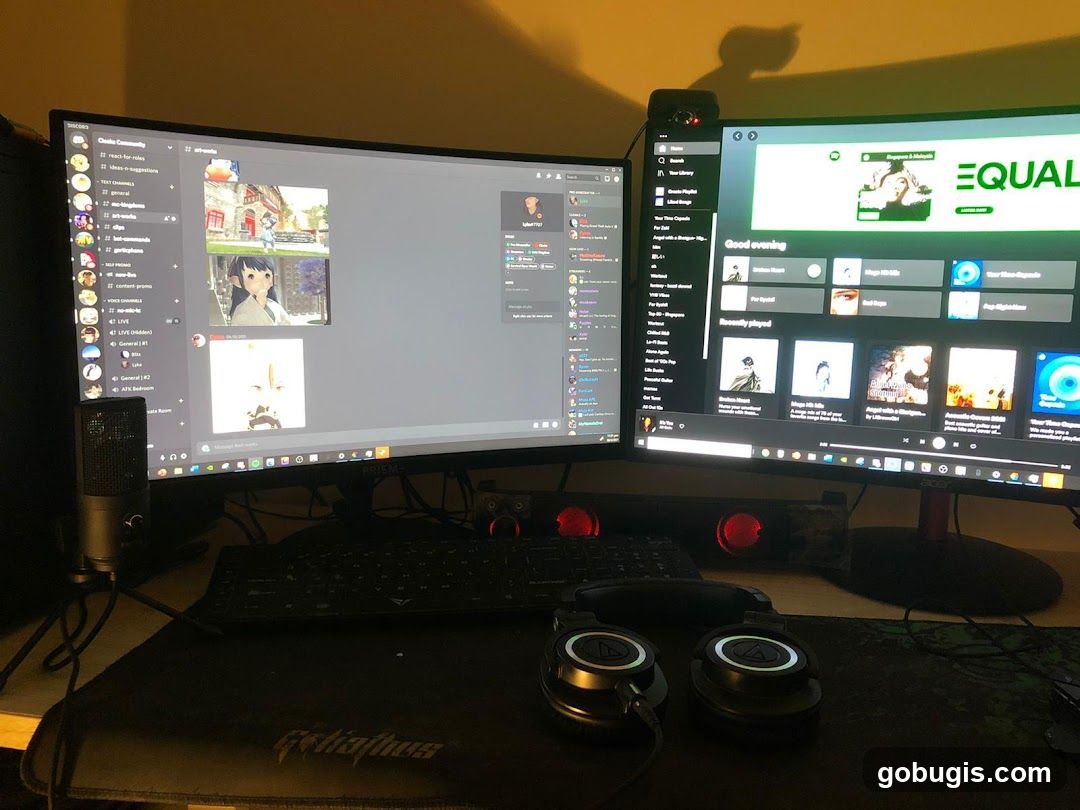
A dual monitor computer setup is shown. The left monitor displays the Discord application with various channels and chat messages, including images of anime-style characters. The right monitor shows the Spotify application interface, featuring "Good evening" greetings, playlists like "Broken Heart" and "Mega Hits," and recently played songs. A keyboard, a microphone, and a pair of headphones are placed in front of the monitors on a desk. The overall scene suggests a personal computer setup for communication and entertainment.
Computer Motherboard Detail
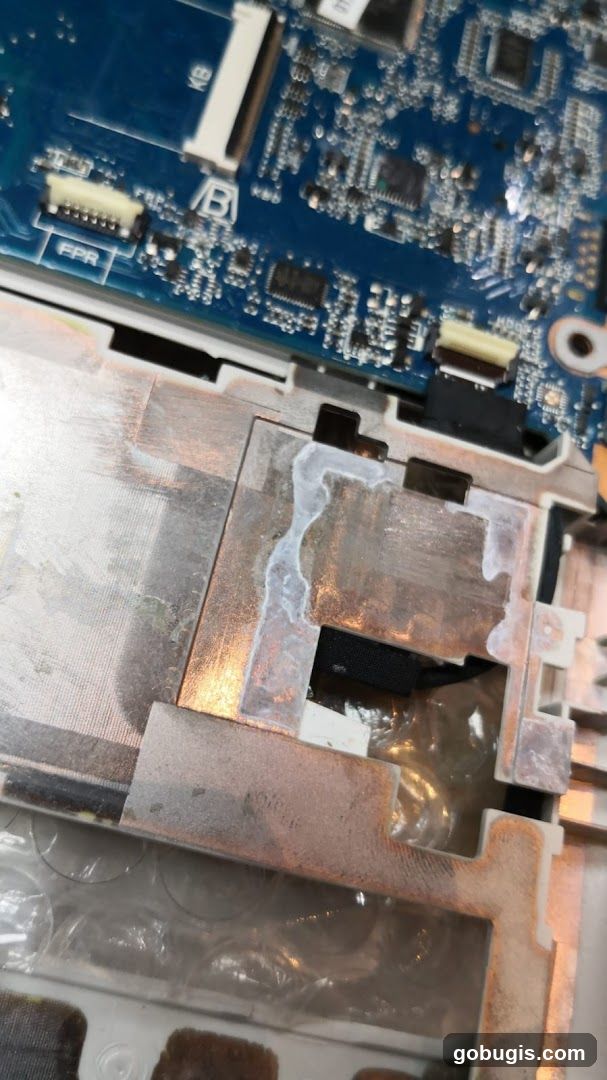
A close-up view of a computer motherboard with visible circuitry and connectors. A metallic component with a white, viscous substance applied to it is prominent in the foreground. The substance appears to be thermal paste or a similar material used for heat dissipation. The blue PCB is detailed with various electronic components and traces.
Laptop Battery Replacement
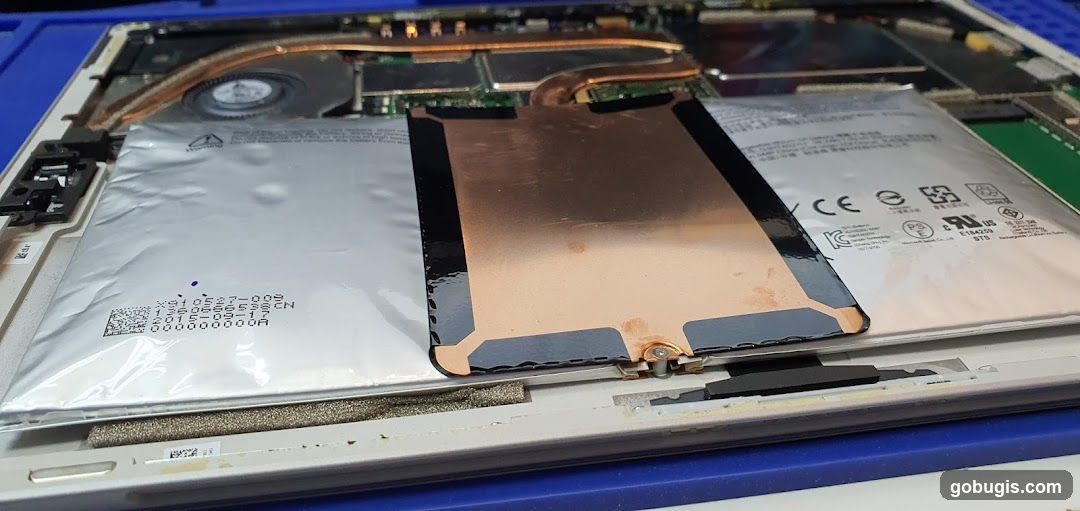
A close-up view of a laptop's internal components, focusing on the battery. The battery is partially covered by a copper-colored heat shield. Various electronic components, including a fan and heat sink, are visible in the background. Labels on the battery indicate manufacturing details and safety certifications such as CE, FCC, and UL.
Lenovo Laptop Battery Information
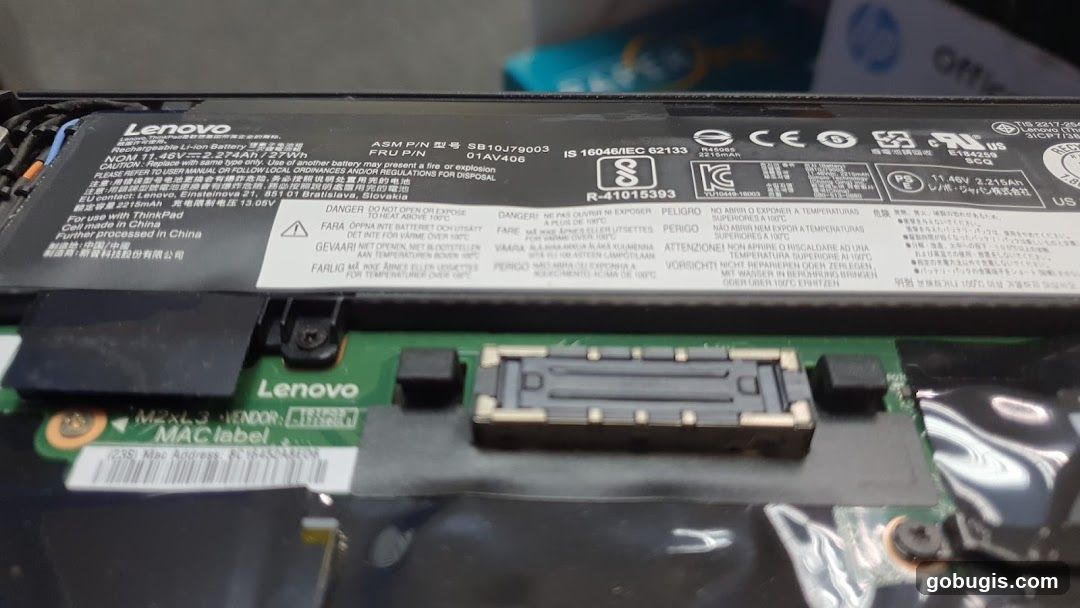
A close-up view of a Lenovo laptop battery, showing various labels with technical specifications, warnings, and compliance marks. The battery is labeled with its model number, voltage, capacity, and country of origin. Warnings in multiple languages advise against opening, exposing to heat above 100°C, or improper disposal. A MAC label is also visible.
Galaxy Tab A7 About Tablet Screen
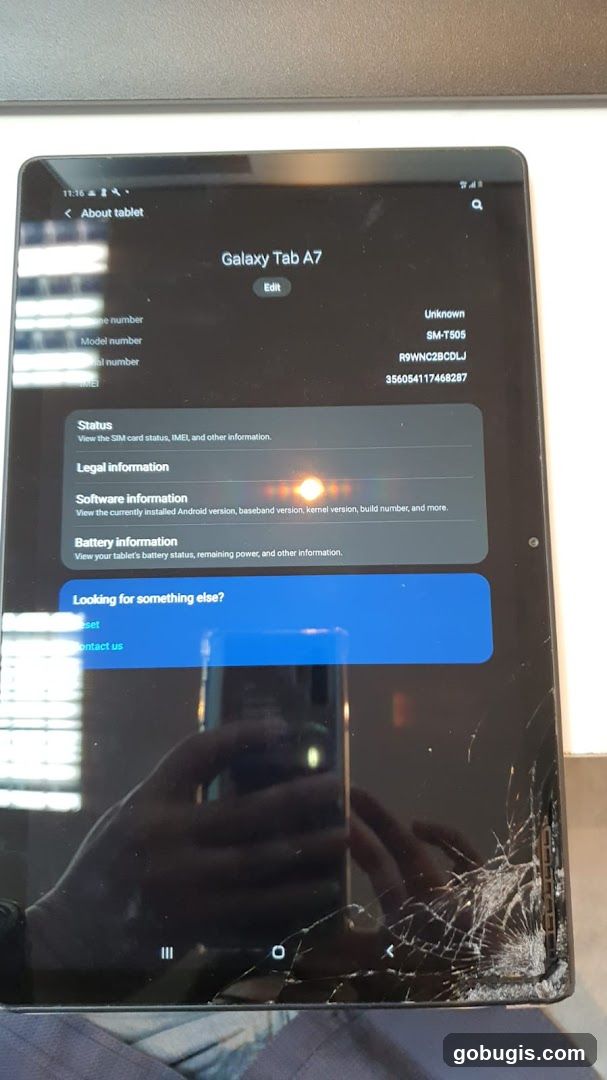
A Samsung Galaxy Tab A7 tablet is displayed, showing the 'About tablet' screen. The screen details include the model number SM-T505, and various status, legal, software, and battery information sections. The tablet has a cracked screen, particularly noticeable in the bottom right corner.
Dell Laptop Battery
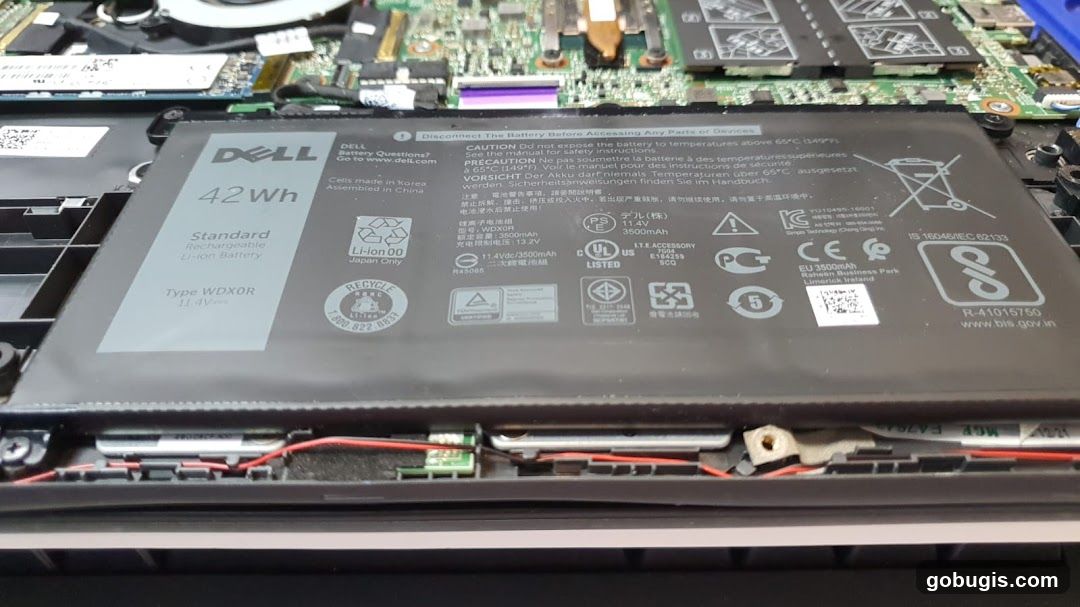
A close-up view of a removed Dell laptop battery, showing its specifications and various certification logos. The battery is labeled with 'DELL', '42Wh', 'Standard Rechargeable Li-ion Battery', and 'Type WDXOR 11.4V'. It also displays safety warnings and recycling information. The laptop's internal components, including the motherboard and fan, are visible in the background.
Disassembled Laptop Components
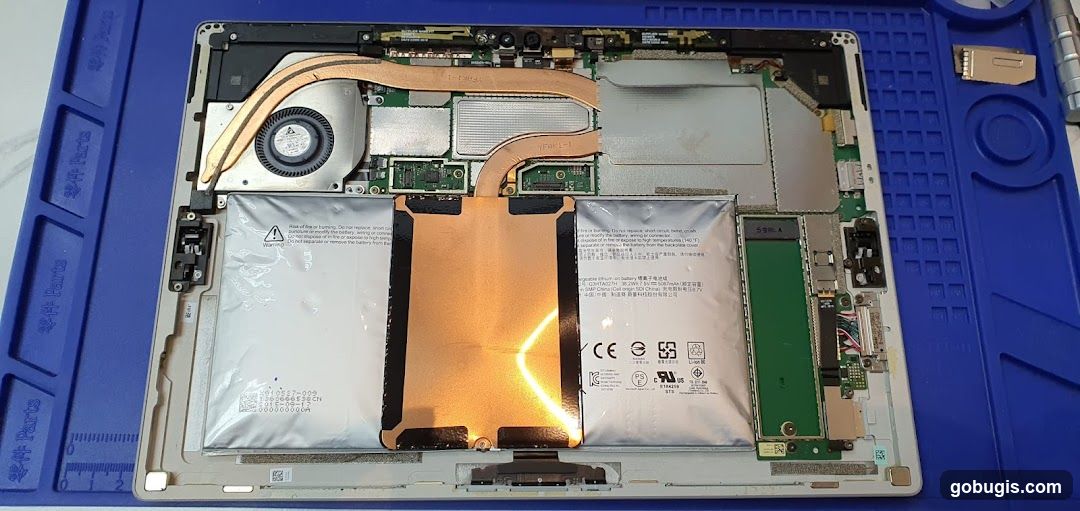
The image shows the internal components of a disassembled laptop, laid out on a blue mat with grid markings. Visible parts include the battery, fan, heat pipes, circuit boards, and various connectors. The battery has warning labels and specifications printed on it. A green component, possibly an SSD or RAM module, is also visible.
Damaged Laptop Battery
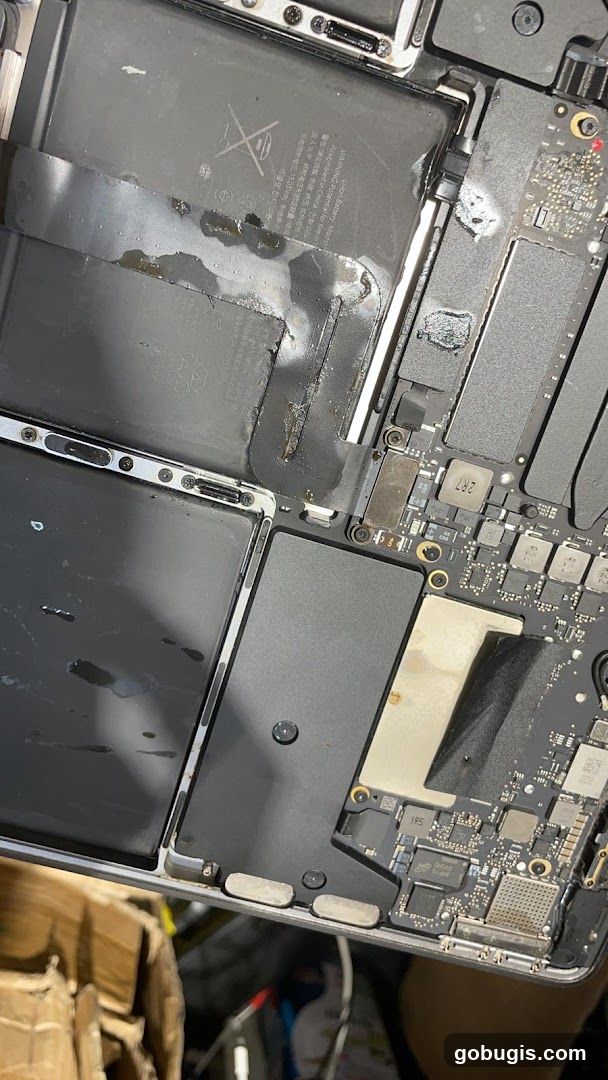
A close-up view of the internal components of a laptop, focusing on a damaged battery pack. The battery shows signs of swelling and leakage, with dark, viscous material seeping out and staining the surrounding area. The circuitry and other internal parts of the laptop are visible, some appearing discolored or affected by the battery damage.
Laptop Internal Components
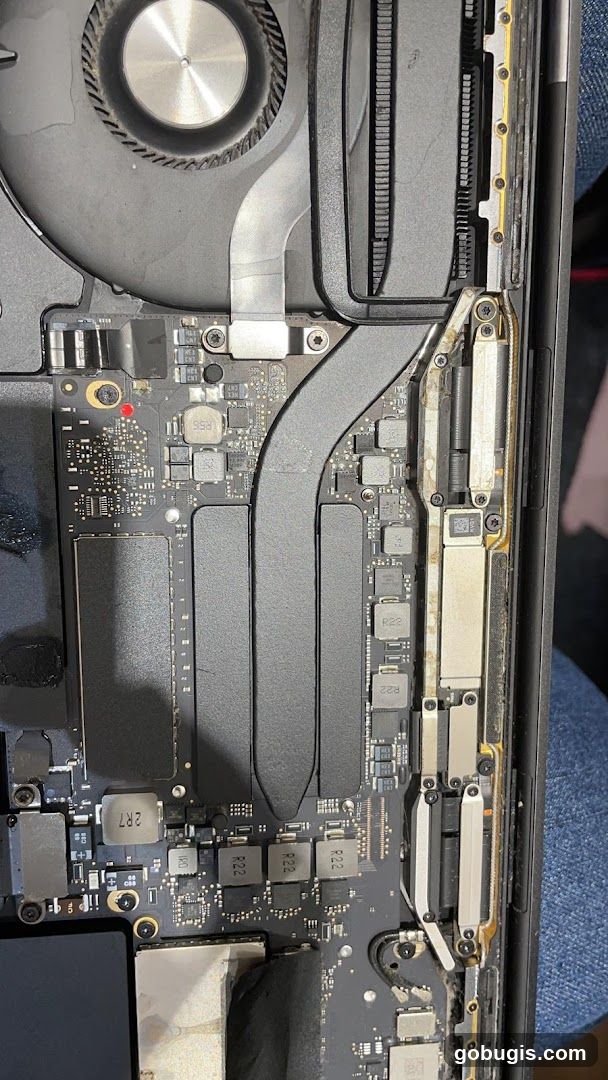
A close-up view of the internal components of a laptop, likely a MacBook Pro, showing the logic board, fan, heat sink, and various chips and capacitors. Dust is visible on the fan and around some components.
Internal components of an Apple iMac
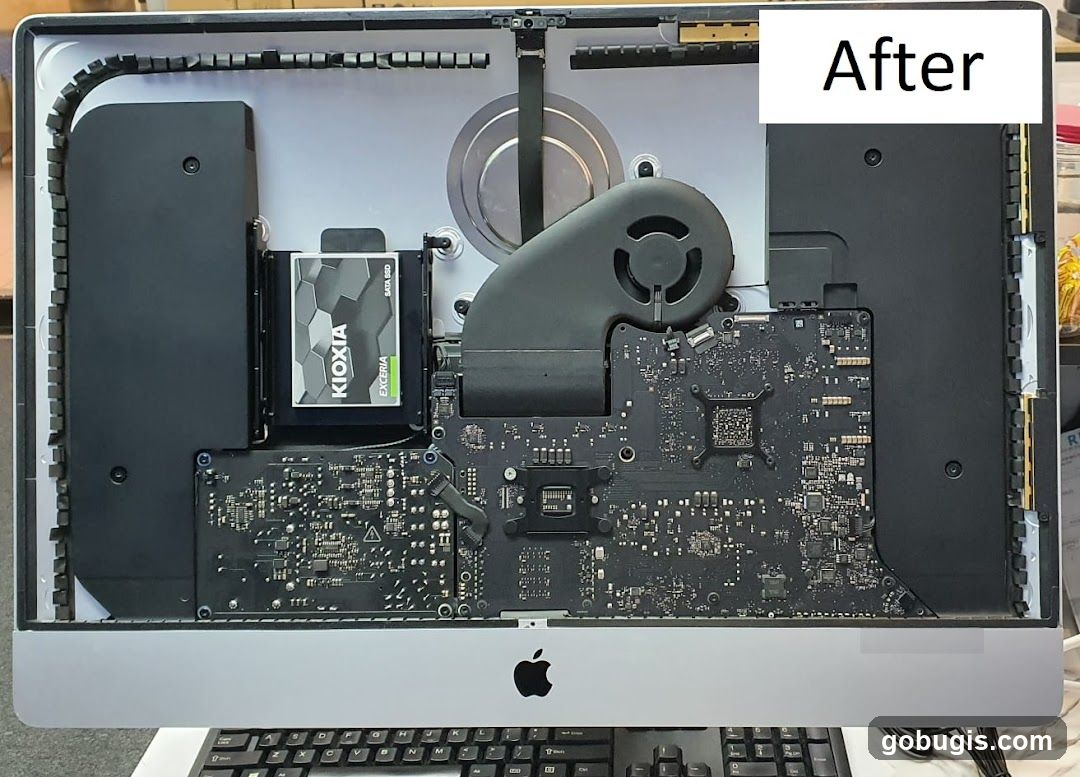
The image shows the internal components of an Apple iMac computer, with the back panel removed. Visible parts include the motherboard, a KIOXIA EXCERIA SATA SSD, a large fan, and various cables and connectors. A white label with the word "After" is placed in the upper right corner. The Apple logo is visible on the front of the computer below the internal components. A keyboard is partially visible at the bottom.
Dusty Laptop Fan
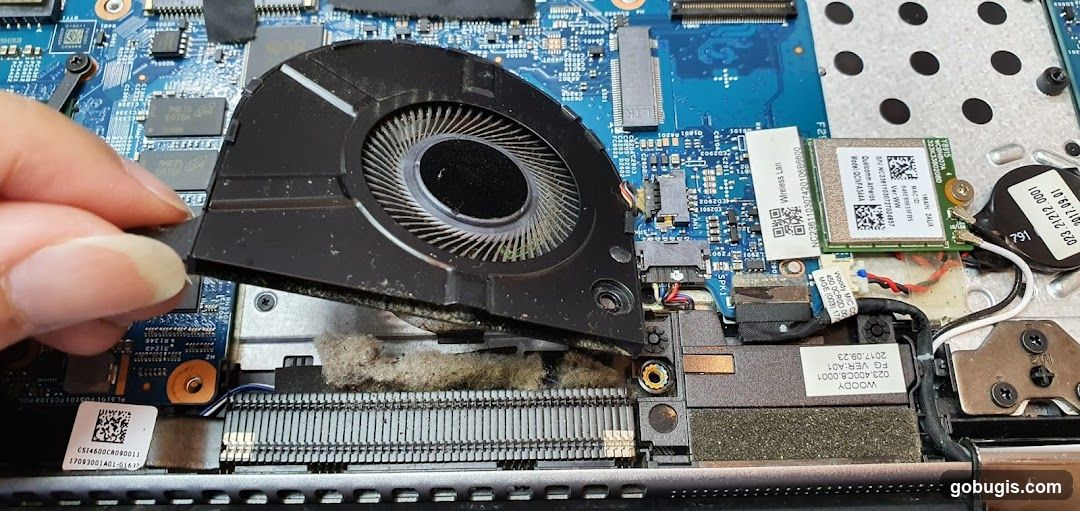
A hand is holding a dusty laptop fan, revealing the internal components of the laptop, including the motherboard, RAM, and wireless card.
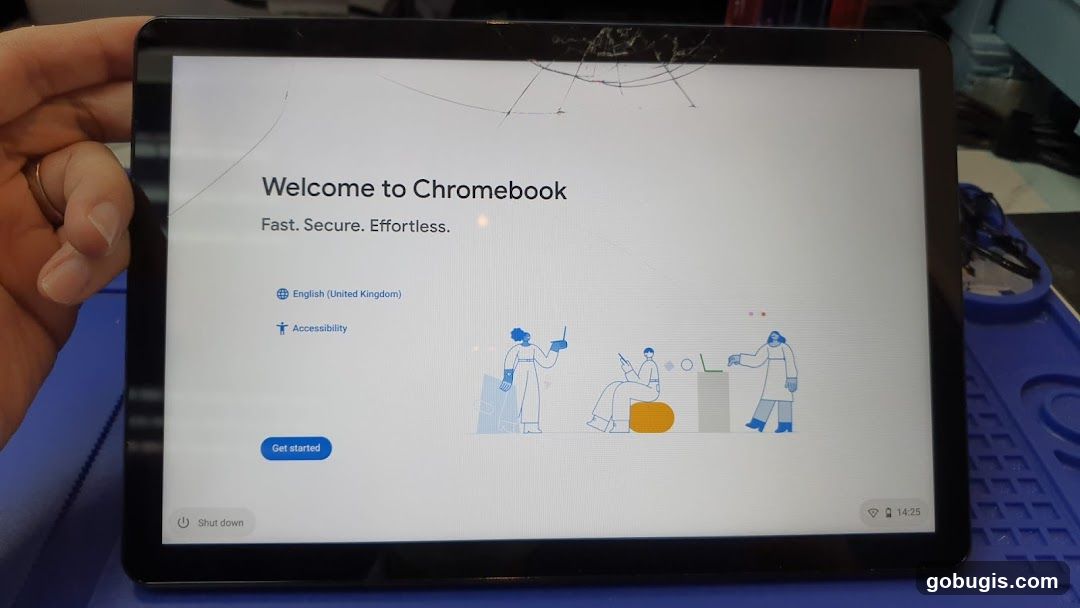
Chromebook Welcome Screen
A tablet displaying the welcome screen for a Chromebook. The screen shows the text "Welcome to Chromebook", "Fast. Secure. Effortless.", and options to select language and accessibility. There is a "Get started" button and a "Shut down" option. The tablet screen has visible cracks.
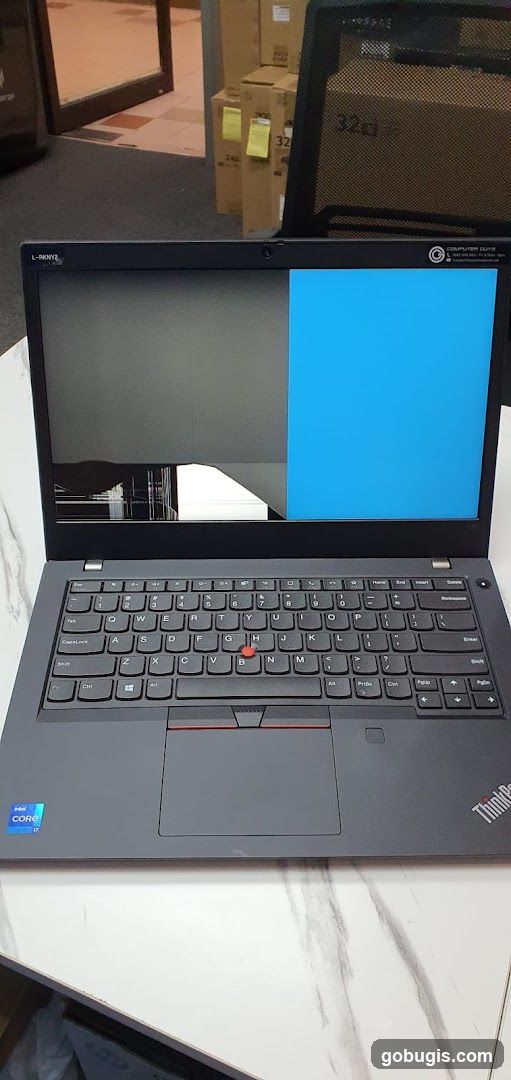
Damaged Laptop Screen
A dark gray Lenovo ThinkPad laptop is open on a white marble-patterned table. The screen displays a split image: the left side is dark gray with visible damage and lines, while the right side is a solid bright blue. The keyboard is black with standard QWERTY layout and a red TrackPoint. An Intel Core i7 sticker is visible on the palm rest. In the background, out of focus, are stacked cardboard boxes and a doorway with tiled flooring.
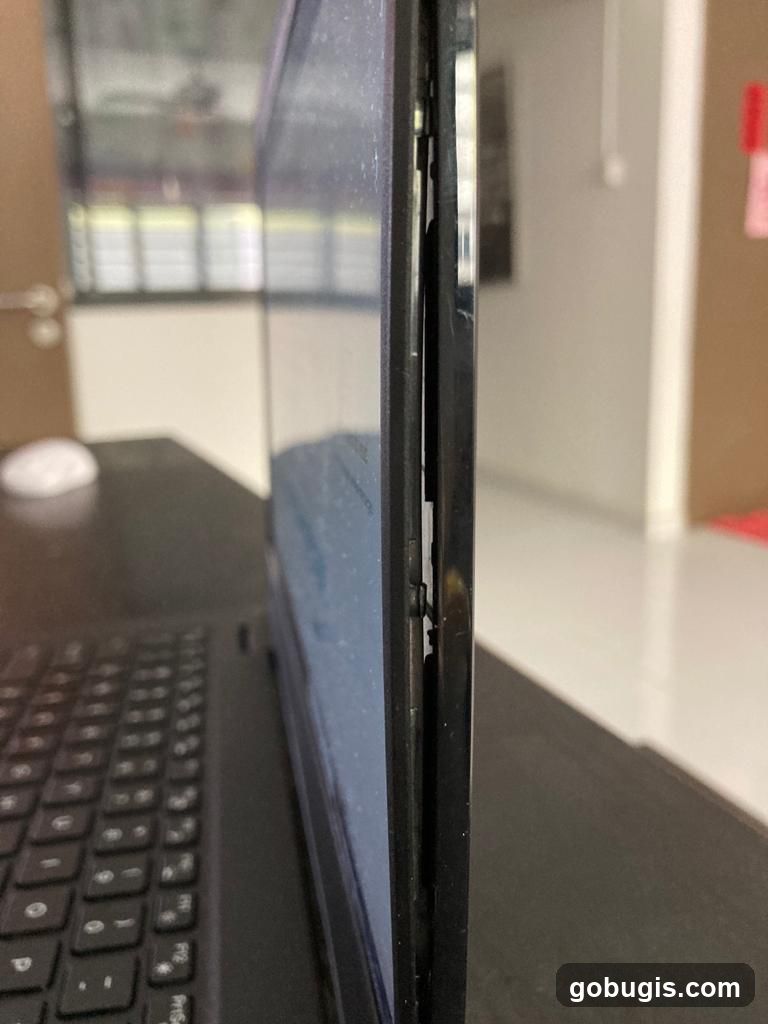
Damaged Laptop Screen Bezel
A close-up, side-view image of a laptop with a damaged screen bezel. The bezel is detached and bent outwards, revealing internal components. The keyboard is visible in the foreground, and a blurred background suggests an indoor setting.
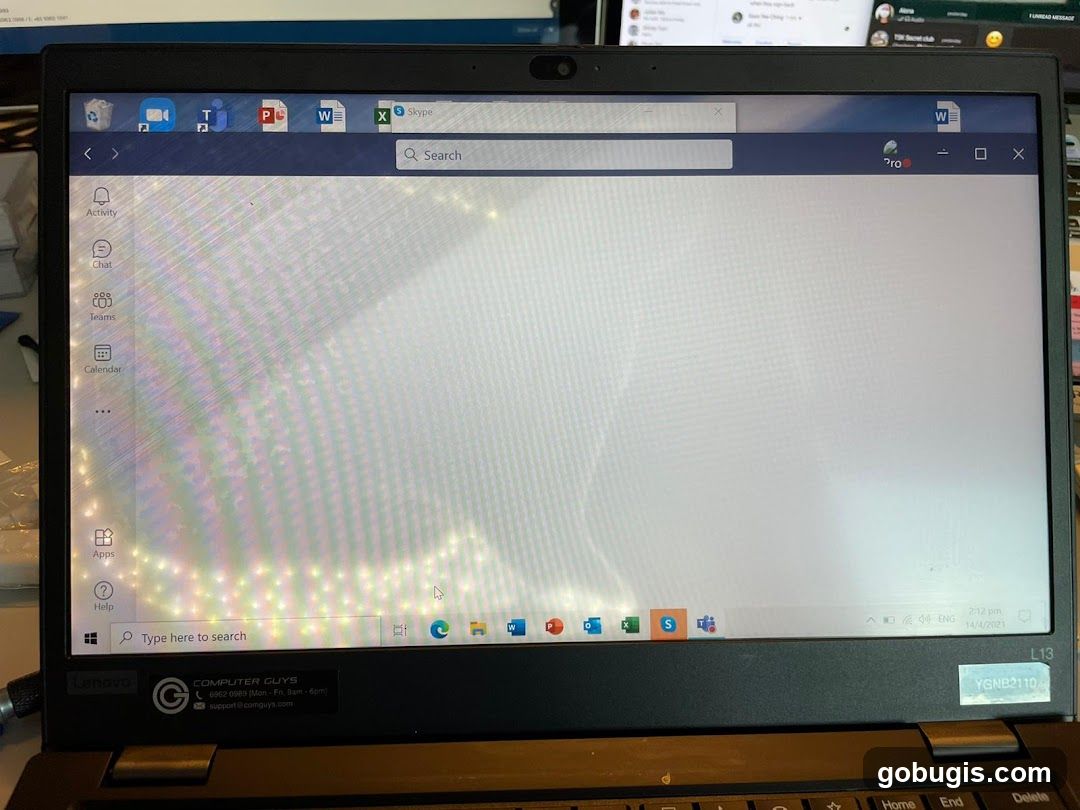
Laptop Screen with Skype and Windows Interface
A laptop screen displays the Skype application interface with a search bar and a list of contacts or activities on the left sidebar. The Windows taskbar is visible at the bottom, showing various application icons and system information. A sticker with "COMPUTER GUYS" and contact details is affixed to the laptop's bezel.
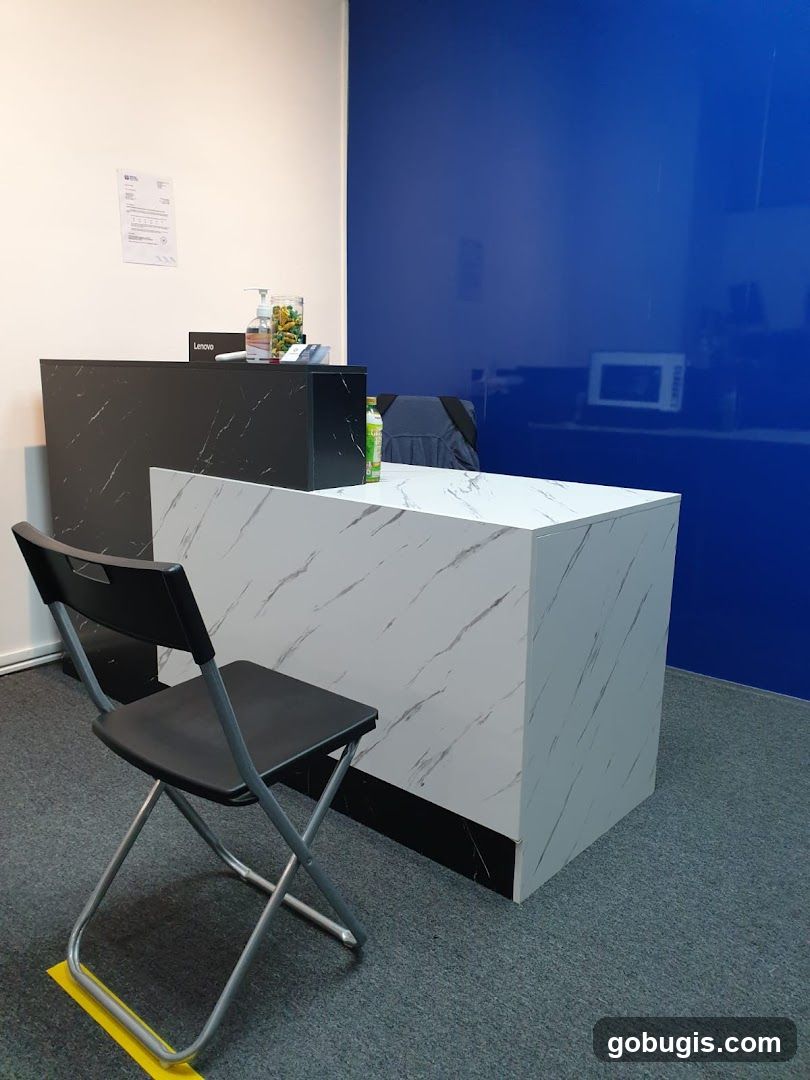
Reception Desk Area
A reception desk with a marble-patterned countertop and a black base is shown. A black folding chair is placed in front of the desk. On the desk, there is a bottle of hand sanitizer, a jar filled with capsules, and a Lenovo laptop. A document is attached to the white wall behind the desk. A blue wall with a reflective surface is visible on the right side of the image.
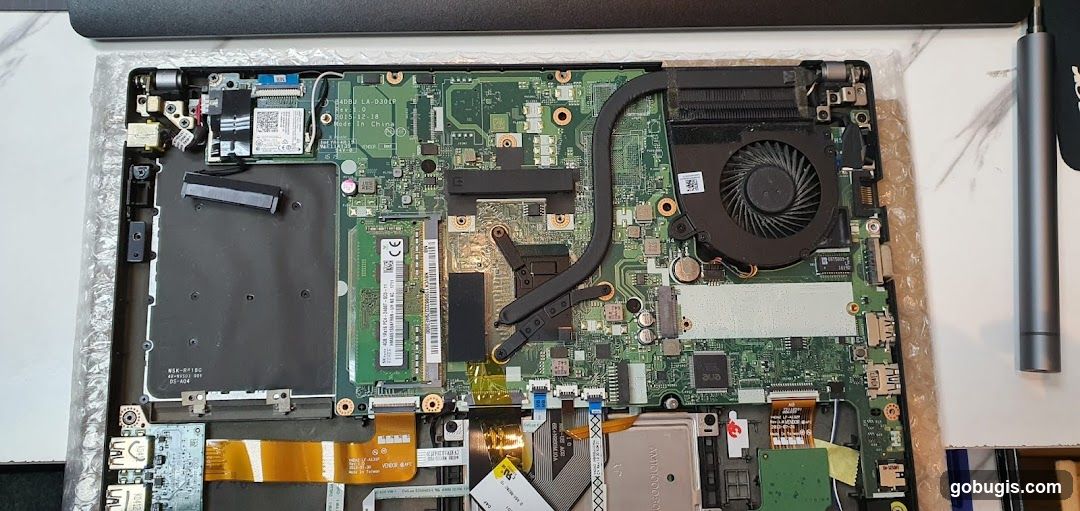
Laptop Motherboard
A disassembled laptop motherboard is shown, with various components including the CPU fan, RAM slots, and numerous integrated circuits visible. The motherboard is laid out on a white surface, with some protective bubble wrap around the edges. A small screwdriver is also visible to the right of the motherboard.
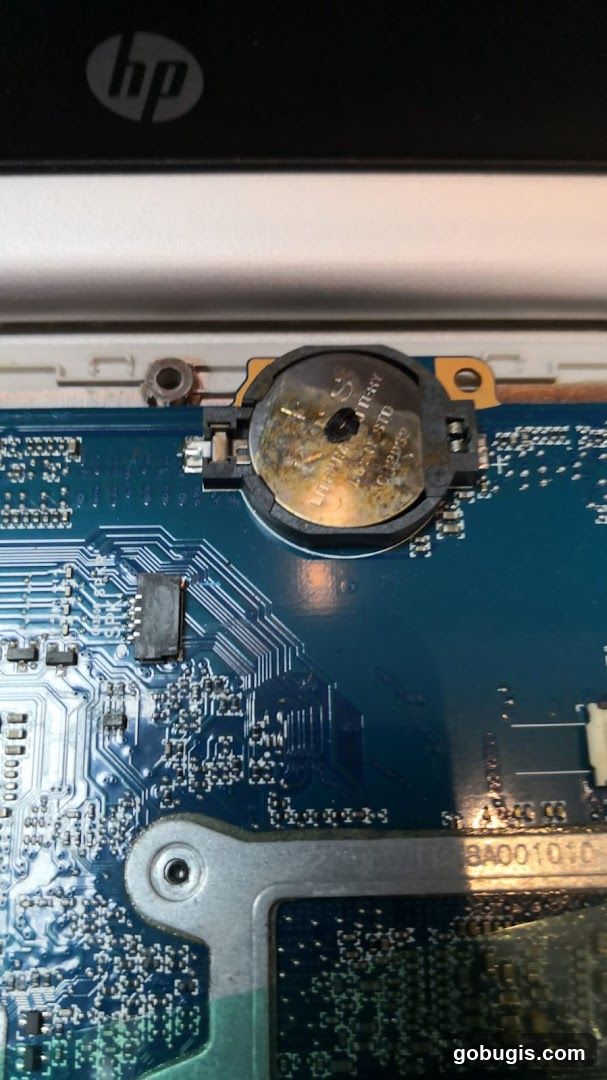
Corroded CMOS Battery on Motherboard
A close-up view of a computer motherboard shows a corroded coin cell battery, likely a CMOS battery, mounted in a black plastic holder. The battery itself is discolored and shows signs of leakage or corrosion. The blue circuit board is visible with various electronic components and traces. The HP logo is partially visible at the top of the image, indicating the device is an HP product.
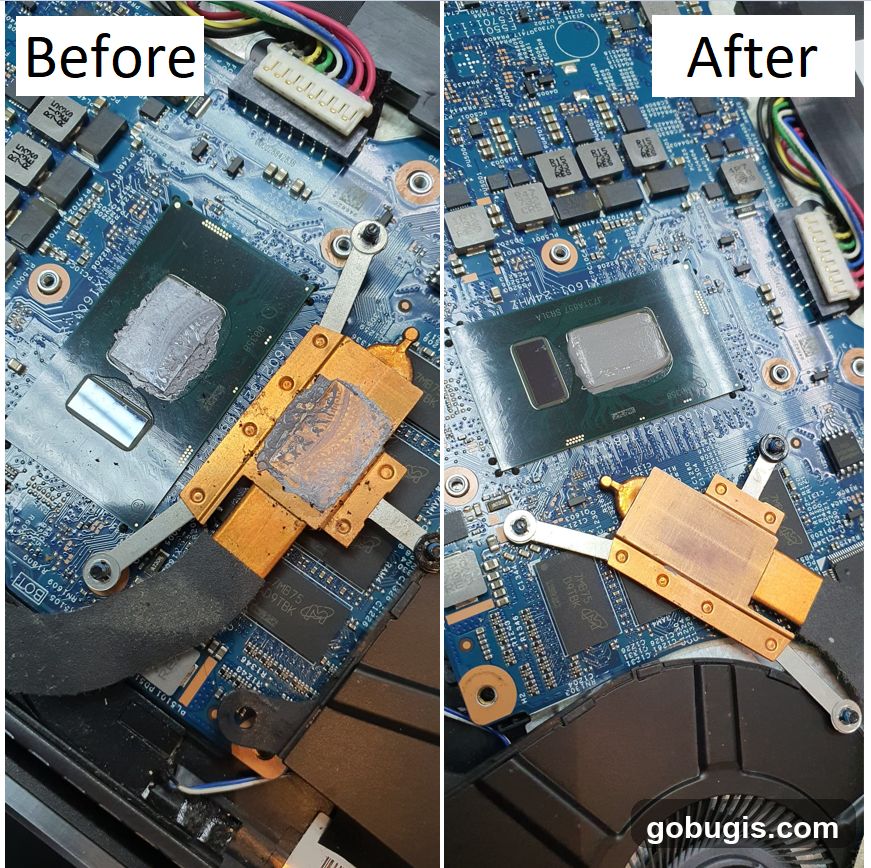
Computer Motherboard Thermal Paste Replacement
A split image showing a computer motherboard before and after thermal paste replacement. The left side, labeled 'Before', shows a CPU with old, dried thermal paste and a heatsink with residue. The right side, labeled 'After', shows the same components with clean thermal paste applied to the CPU and a clean heatsink.
Computer Fan Cleaning
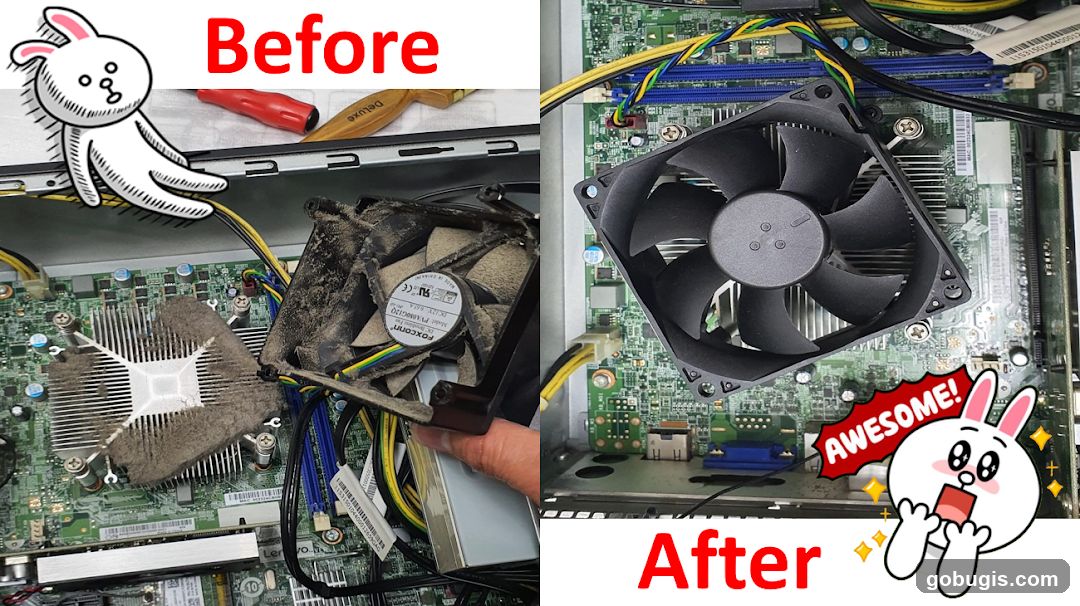
A split image showing a computer's internal components before and after cleaning. The left side, labeled 'Before', shows a heavily dust-covered fan and heatsink. The right side, labeled 'After', displays the same components clean, with a new fan installed. A cartoon rabbit character appears on both sides, with the word 'AWESOME!' on the right side.